Original: $169.72
-70%$169.72
$50.92The Story
Xencelabs K02-A Overview
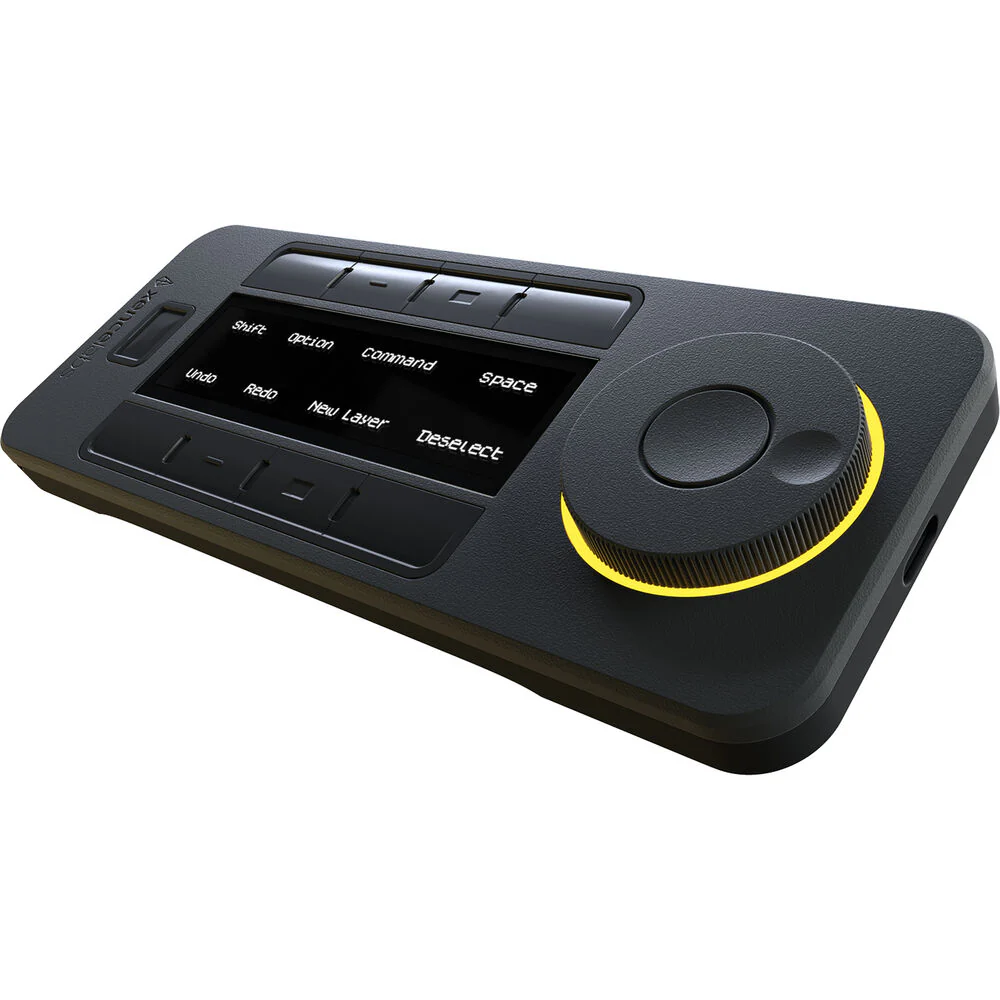
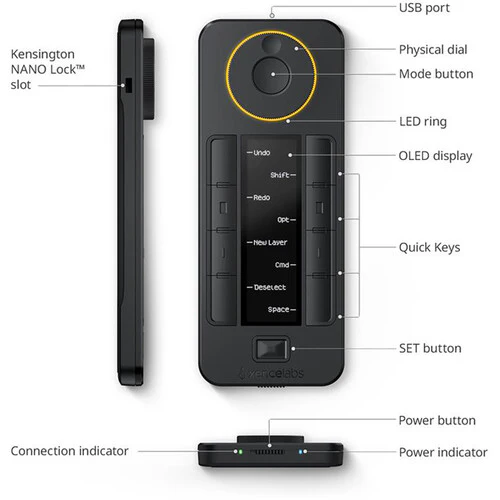
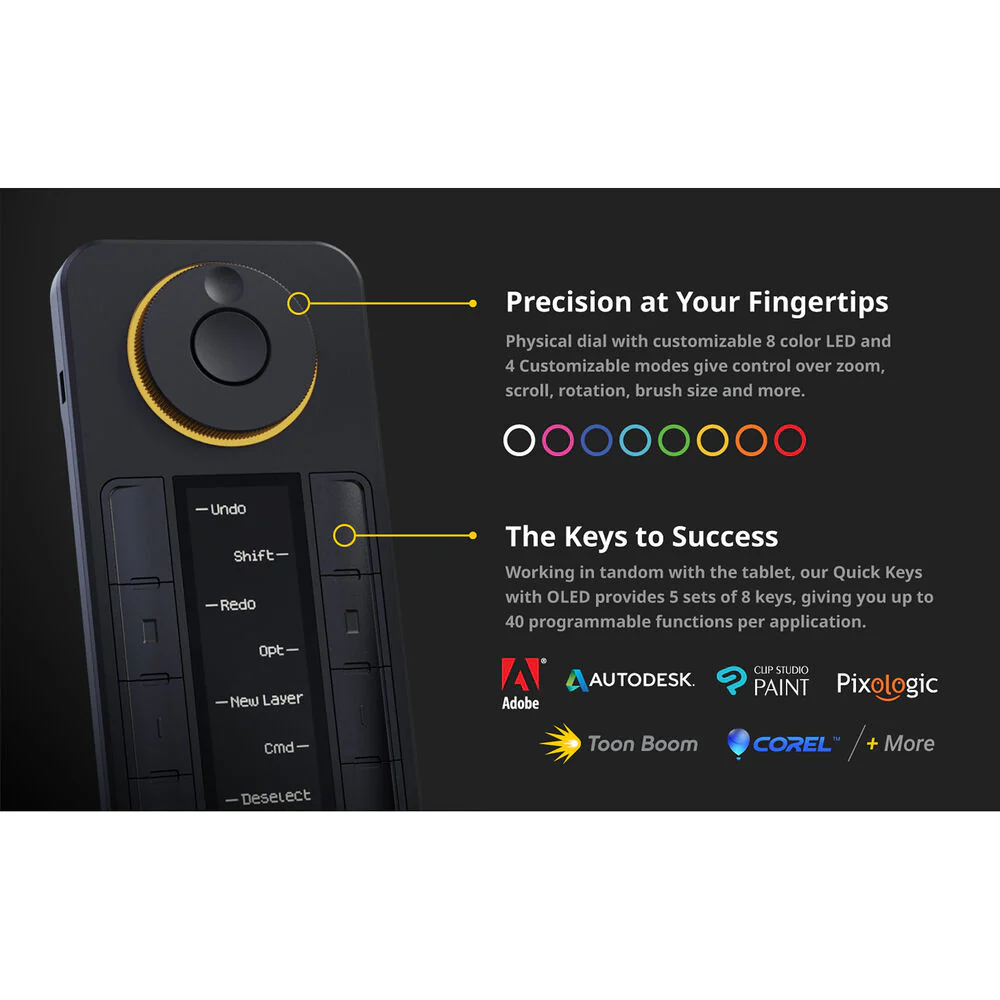
Give your creative workflow a major boost with the Quick Keys Remote from Xencelabs. This compact device features eight programmable buttons with five key sets that allow you to create up to 40 shortcuts per application to accelerate a variety of different tasks. The bright OLED display displays your different shortcuts and can positioned in horizontal or vertical orientations to fit your needs and environment. Use the convenient dial for fine control over different functions that include zoom and brush size. The dial's colored LED backlight indicates which of the four programmed functions is active. The remote controller also features an ambidextrous design and can be connected directly to your Windows or Mac computer using the included angled USB Type-C cable or wirelessly through the RF adapter. Its internal battery is rated to provide up to 53 hours of use from a 1.5-hour charge. The adjustable sleep timer helps to ensure that the Quick Keys will conserve power while fitting your personal workflow. The remote also includes convenient accessories such as a USB Type-A to USB Type-C adapter and a carrying case.
Compatibility
macOS 12.10 or later
Linux
In the Box
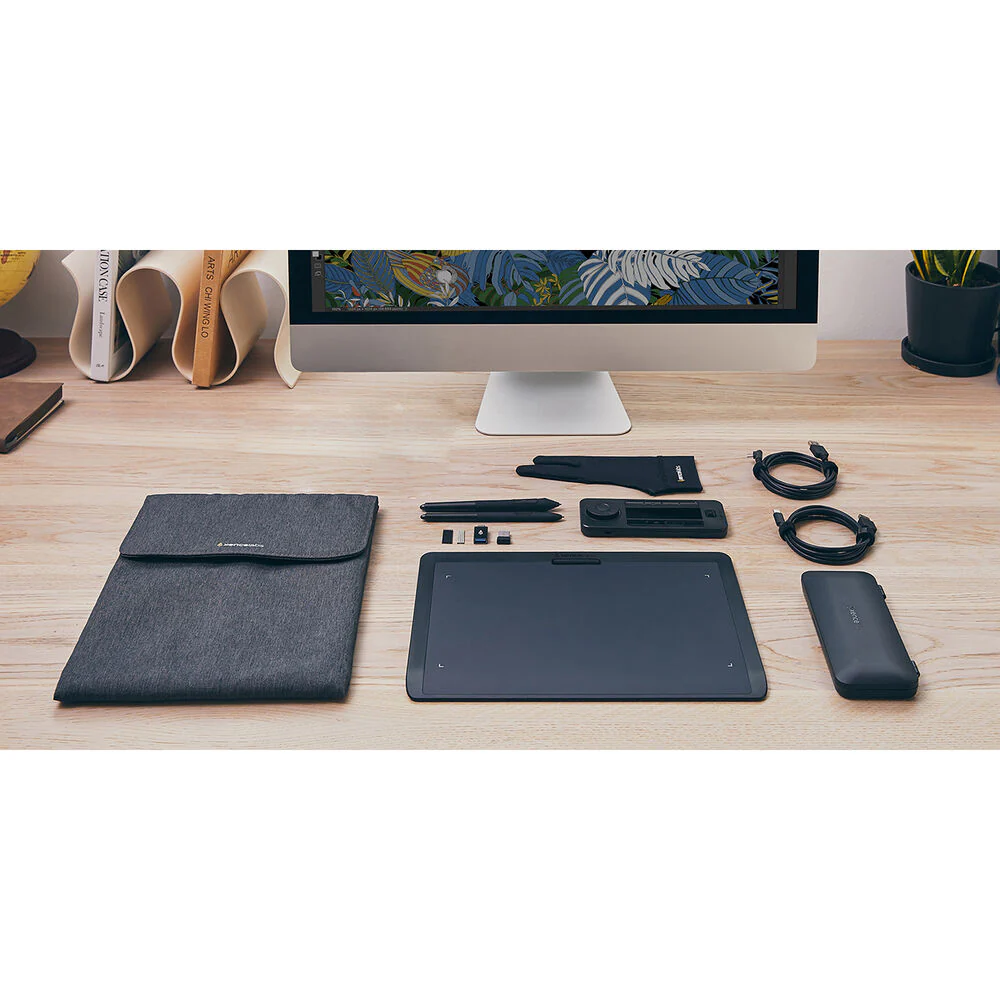
- Xencelabs Quick Keys Remote
- L-Shaped USB Type-C to USB Type-A Cable (6.6')
- Wireless Dongle
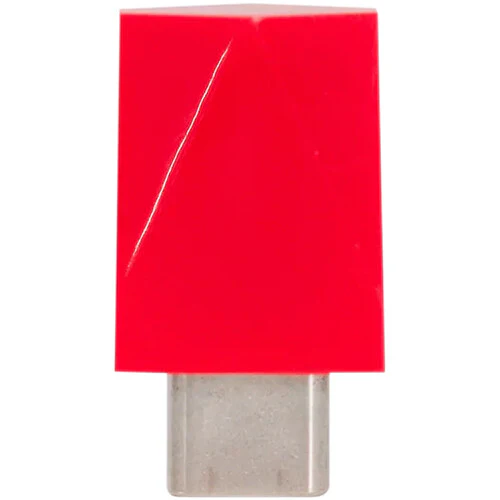
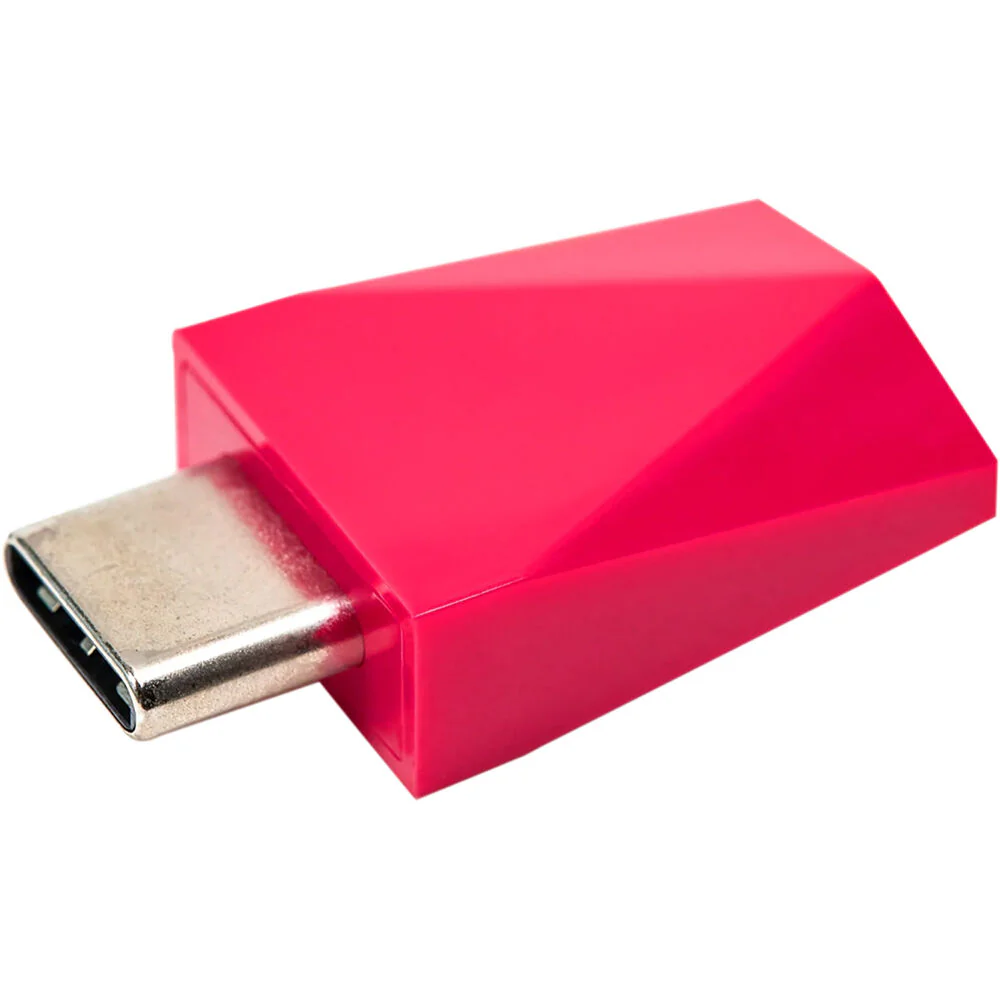
- USB Type-A to USB Type-C Adapter
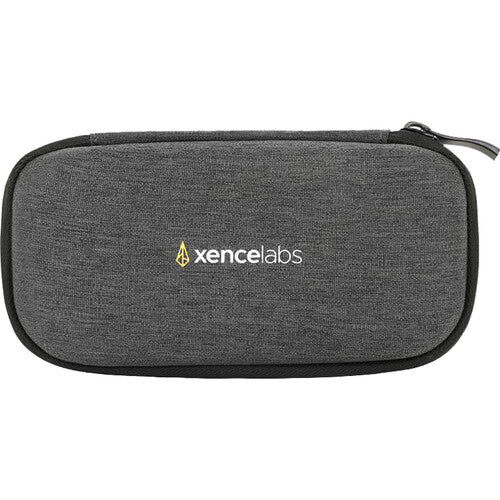
- Carrying Case
- Limited 2-Year Warranty
Xencelabs K02-A Specs
| Programmable Buttons | 8 |
| Control | Dial |
| Display | OLED |
| Connector | USB Type-C |
| Wireless | 2.4 GHz RF |
| Dimensions | 6.2 x 2.46 x 0.47" / 157.6 x 62.5 x 12 mm |
| Weight | 0.31 lb / 142 g |
| Package Weight | 1.335 lb |
| Box Dimensions (LxWxH) | 7.8 x 4.8 x 3.3" |
Xencelabs K02-A Reviews
This Remote has it all!
Amazing. That is all I can say... I got it for work and now I want one for myself. You can program 40 quick keys per app! And that means ANY app you can do keyboard commands. I have it using Photoshop, Illustrator, Premiere, and Power Point. But I have heard others use this very creatively to take photos and all kinds of stuff. The colors on the dial change with every setting. The driver is easy to follow and manage for visual people like myself. Oh, and ergonomics?! You can be left handed and position this to work with you and the LED display can change orientation. It is a game changer! (I use this with the xencelabs pen tablet medium which is excellent too)
All product and company names are trademarks™ or registered® trademarks of their respective holders. Use of them does not imply any affiliation with or endorsement by them.
Details & Craftsmanship
Every detail has been carefully considered to bring you the perfect product.
Details & Craftsmanship
Every detail has been carefully considered to bring you the perfect product.
Details & Craftsmanship
Every detail has been carefully considered to bring you the perfect product.
Details & Craftsmanship
Every detail has been carefully considered to bring you the perfect product.
Description
Xencelabs K02-A Overview
Give your creative workflow a major boost with the Quick Keys Remote from Xencelabs. This compact device features eight programmable buttons with five key sets that allow you to create up to 40 shortcuts per application to accelerate a variety of different tasks. The bright OLED display displays your different shortcuts and can positioned in horizontal or vertical orientations to fit your needs and environment. Use the convenient dial for fine control over different functions that include zoom and brush size. The dial's colored LED backlight indicates which of the four programmed functions is active. The remote controller also features an ambidextrous design and can be connected directly to your Windows or Mac computer using the included angled USB Type-C cable or wirelessly through the RF adapter. Its internal battery is rated to provide up to 53 hours of use from a 1.5-hour charge. The adjustable sleep timer helps to ensure that the Quick Keys will conserve power while fitting your personal workflow. The remote also includes convenient accessories such as a USB Type-A to USB Type-C adapter and a carrying case.
Compatibility
macOS 12.10 or later
Linux
In the Box
- Xencelabs Quick Keys Remote
- L-Shaped USB Type-C to USB Type-A Cable (6.6')
- Wireless Dongle
- USB Type-A to USB Type-C Adapter
- Carrying Case
- Limited 2-Year Warranty
Xencelabs K02-A Specs
| Programmable Buttons | 8 |
| Control | Dial |
| Display | OLED |
| Connector | USB Type-C |
| Wireless | 2.4 GHz RF |
| Dimensions | 6.2 x 2.46 x 0.47" / 157.6 x 62.5 x 12 mm |
| Weight | 0.31 lb / 142 g |
| Package Weight | 1.335 lb |
| Box Dimensions (LxWxH) | 7.8 x 4.8 x 3.3" |
Xencelabs K02-A Reviews
This Remote has it all!
Amazing. That is all I can say... I got it for work and now I want one for myself. You can program 40 quick keys per app! And that means ANY app you can do keyboard commands. I have it using Photoshop, Illustrator, Premiere, and Power Point. But I have heard others use this very creatively to take photos and all kinds of stuff. The colors on the dial change with every setting. The driver is easy to follow and manage for visual people like myself. Oh, and ergonomics?! You can be left handed and position this to work with you and the LED display can change orientation. It is a game changer! (I use this with the xencelabs pen tablet medium which is excellent too)
All product and company names are trademarks™ or registered® trademarks of their respective holders. Use of them does not imply any affiliation with or endorsement by them.