Original: $209.23
-70%$209.23
$62.77The Story
Astropad Luna Display Overview
- 1Description
- 2Multiple Viewing Modes
- 3Astropad Studio
- 4Compatibility
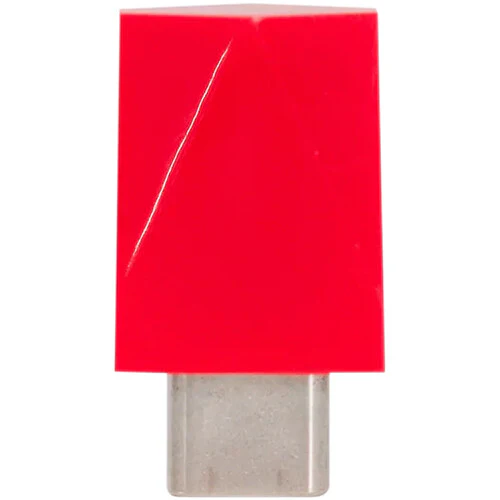
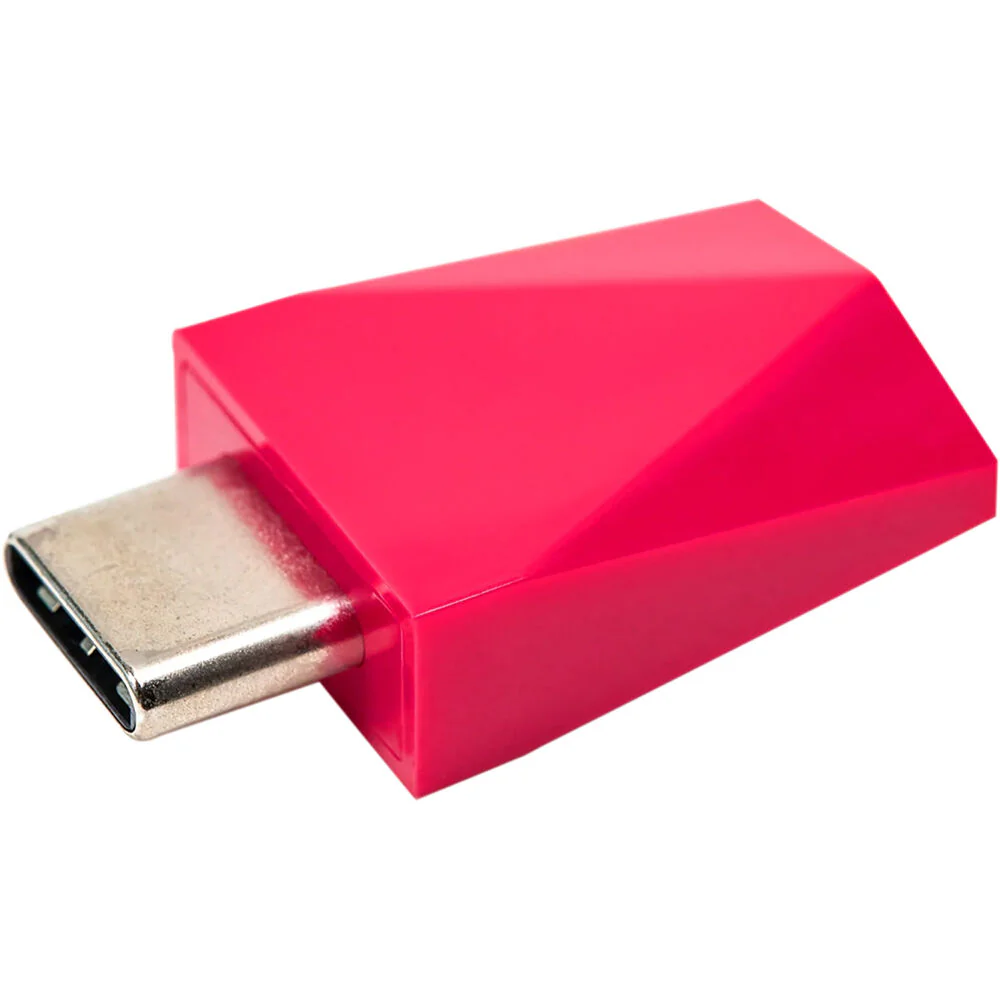
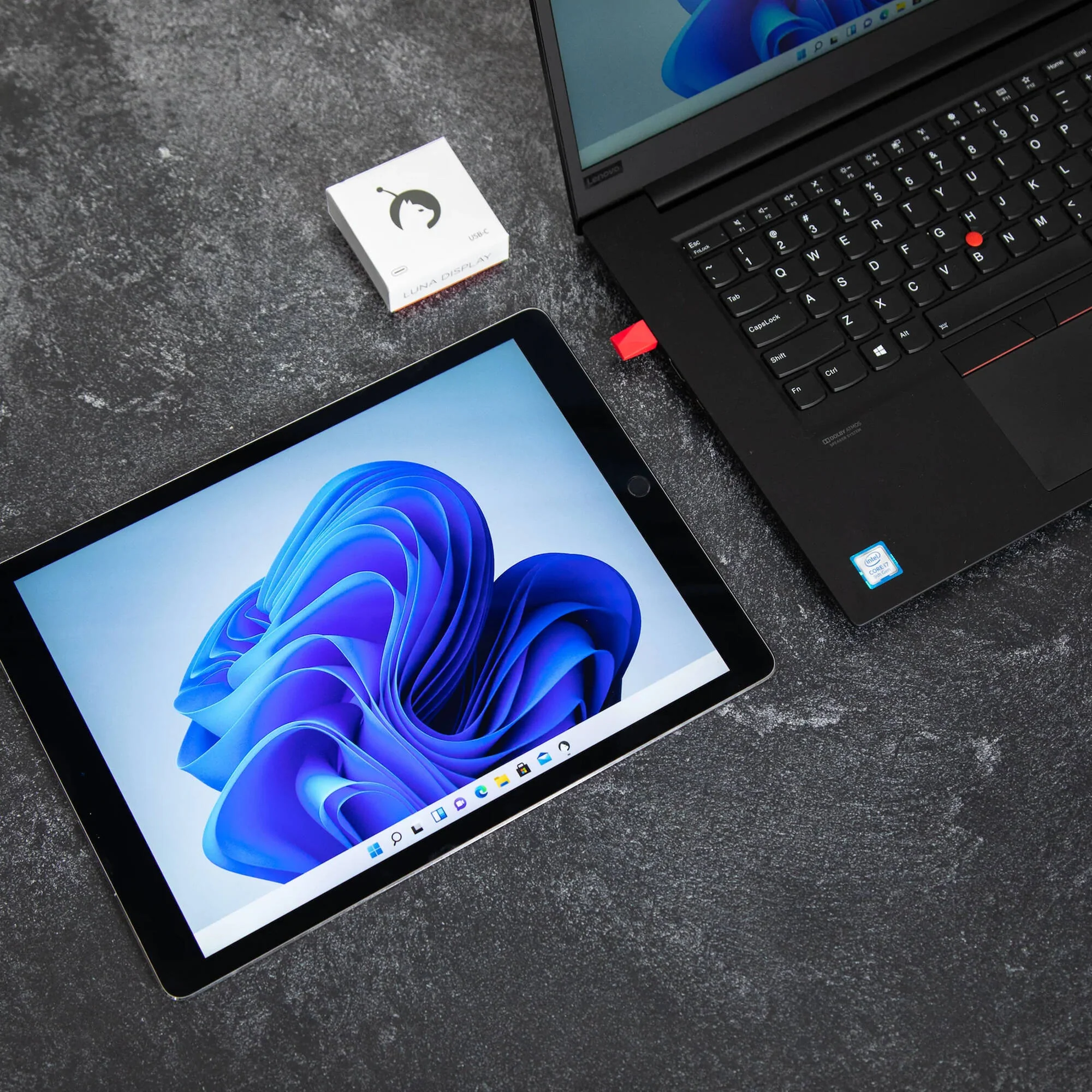
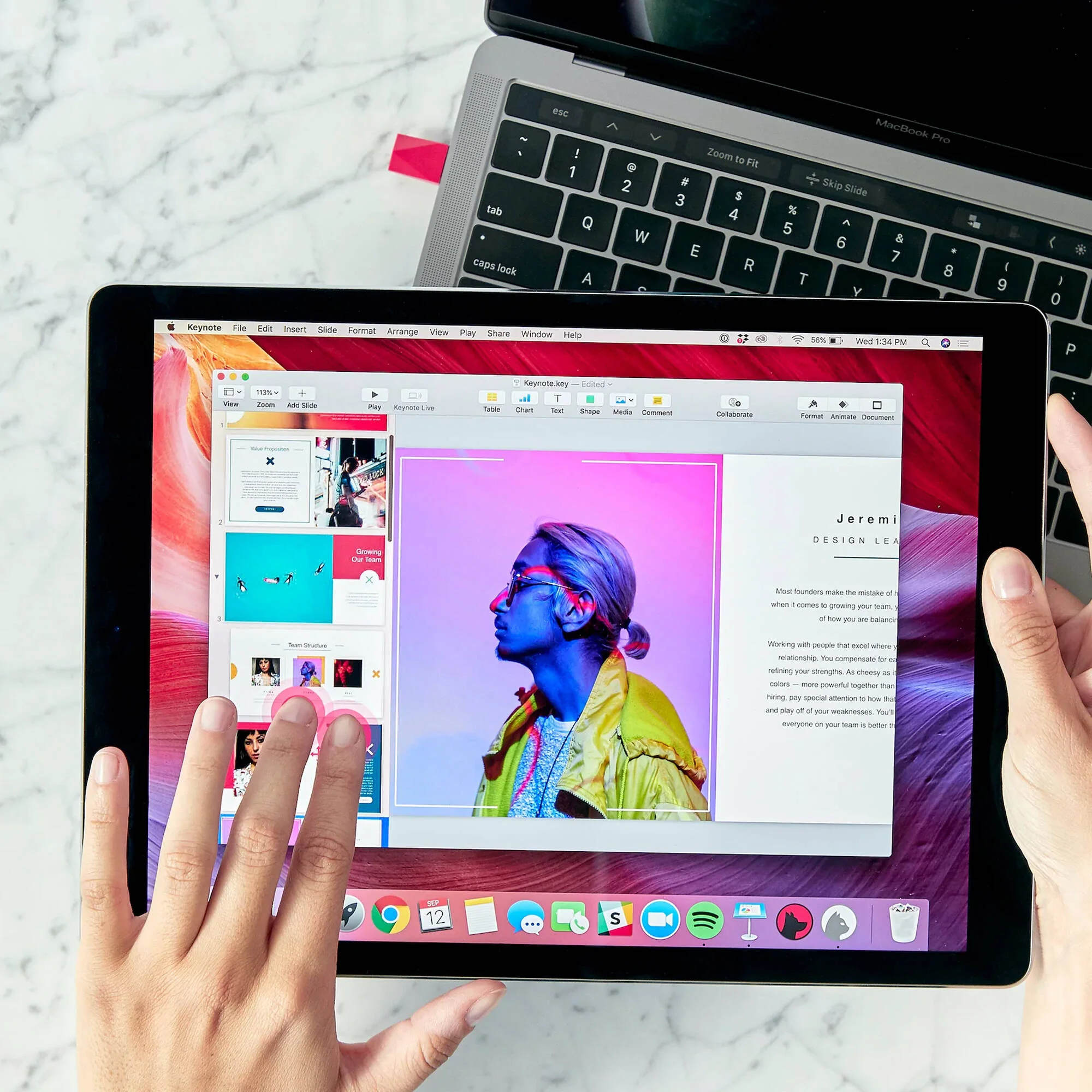
For those looking to expand their screen real estate, the Astropad Luna Display USB Type-C Adapter sends video signals from your host device to an iPad or Mac seamlessly.
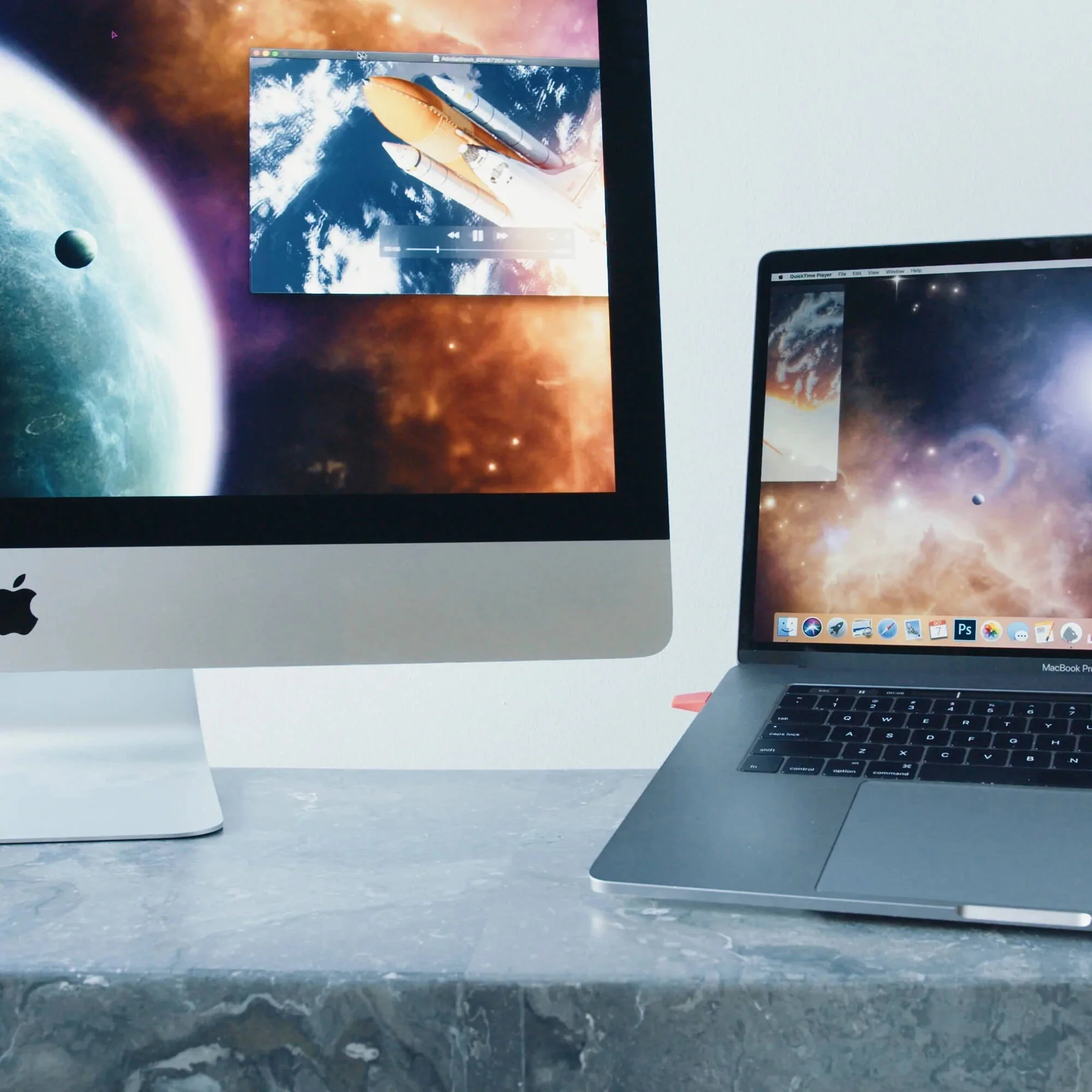
Adapt the Luna to your workflow with various options allowing you to use an iPad or Mac as a secondary screen so you can efficiently complete your tasks. Leveraging Astropad's free Luna application, you can link your devices together via Wi-Fi signal or USB cable, simplifying your multi-display setup at the office, home, or on the go. With four different viewing modes, low-latency performance, and GPU acceleration, you can obtain clear image quality suitable for completing your projects with minimal desktop footprint.
- Description
- Multiple Viewing Modes
- Astropad Studio
- Compatibility
Astropad Luna Display Specs
| Connector 1 | USB (Version Unspecified) Type-C |
| Package Weight | 0.07 lb |
| Box Dimensions (LxWxH) | 2.65 x 2.6 x 1.05" |
Astropad Luna Display Reviews
Ok for Ethernet, bad with WiFi
I bought this to connect my work MacBook to my personal iMac to make my work screen bigger. Setup is easy and the UI is straightforward. It even comes with a latency monitor. I don't recommend connecting over WiFi because of extreme lagging, even with the router on the same desk as the computers. An Ethernet connection works best, so plan on also getting an Ethernet adapter if your converting over MacBook. It's an unnecessarily expensive solution to work around Apple's aversion to connecting two computers, but it does what it's supposed to and setup only takes a few minutes.
Great idea but didn't work
I love the concept of the Luna Display and I was really hoping it would help me use my 2017 iMac as a display for my MacBook Pro M1. Although it works as described, there is a massive delay for me so I couldn't even use it. I'll be forced to purchase a full on stand alone monitor. The Luma Display might work for you if you have a newer Mac to use as a monitor or if you are just looking to use the second display to watch movies, etc. It didn't work for my photo editing workflow sadly.
Wires required for best performance
I purchased this because they promote themselves as the best in the market for a wireless solution to connect old computers or iPads and use them as a monitor. I was disappointed to find that even after troubleshooting with the companies support team there was still a lot of pixilation when changing tabs or scrolling. Once I bought some adapters to use ethernet I tried it in wired mode and everything worked as expected though I am annoyed the wireless was not as seamless as promised. It was still better than some of the software solutions out there that use subscription based models, but this really does need to be wired to avoid latency
All product and company names are trademarks™ or registered® trademarks of their respective holders. Use of them does not imply any affiliation with or endorsement by them.
Details & Craftsmanship
Every detail has been carefully considered to bring you the perfect product.
Details & Craftsmanship
Every detail has been carefully considered to bring you the perfect product.
Details & Craftsmanship
Every detail has been carefully considered to bring you the perfect product.
Details & Craftsmanship
Every detail has been carefully considered to bring you the perfect product.
Description
Astropad Luna Display Overview
- 1Description
- 2Multiple Viewing Modes
- 3Astropad Studio
- 4Compatibility
For those looking to expand their screen real estate, the Astropad Luna Display USB Type-C Adapter sends video signals from your host device to an iPad or Mac seamlessly.
Adapt the Luna to your workflow with various options allowing you to use an iPad or Mac as a secondary screen so you can efficiently complete your tasks. Leveraging Astropad's free Luna application, you can link your devices together via Wi-Fi signal or USB cable, simplifying your multi-display setup at the office, home, or on the go. With four different viewing modes, low-latency performance, and GPU acceleration, you can obtain clear image quality suitable for completing your projects with minimal desktop footprint.
- Description
- Multiple Viewing Modes
- Astropad Studio
- Compatibility
Astropad Luna Display Specs
| Connector 1 | USB (Version Unspecified) Type-C |
| Package Weight | 0.07 lb |
| Box Dimensions (LxWxH) | 2.65 x 2.6 x 1.05" |
Astropad Luna Display Reviews
Ok for Ethernet, bad with WiFi
I bought this to connect my work MacBook to my personal iMac to make my work screen bigger. Setup is easy and the UI is straightforward. It even comes with a latency monitor. I don't recommend connecting over WiFi because of extreme lagging, even with the router on the same desk as the computers. An Ethernet connection works best, so plan on also getting an Ethernet adapter if your converting over MacBook. It's an unnecessarily expensive solution to work around Apple's aversion to connecting two computers, but it does what it's supposed to and setup only takes a few minutes.
Great idea but didn't work
I love the concept of the Luna Display and I was really hoping it would help me use my 2017 iMac as a display for my MacBook Pro M1. Although it works as described, there is a massive delay for me so I couldn't even use it. I'll be forced to purchase a full on stand alone monitor. The Luma Display might work for you if you have a newer Mac to use as a monitor or if you are just looking to use the second display to watch movies, etc. It didn't work for my photo editing workflow sadly.
Wires required for best performance
I purchased this because they promote themselves as the best in the market for a wireless solution to connect old computers or iPads and use them as a monitor. I was disappointed to find that even after troubleshooting with the companies support team there was still a lot of pixilation when changing tabs or scrolling. Once I bought some adapters to use ethernet I tried it in wired mode and everything worked as expected though I am annoyed the wireless was not as seamless as promised. It was still better than some of the software solutions out there that use subscription based models, but this really does need to be wired to avoid latency
All product and company names are trademarks™ or registered® trademarks of their respective holders. Use of them does not imply any affiliation with or endorsement by them.