Original: $853.29
-70%$853.29
$255.99The Story
Middle Things MID-APC-R MINI Overview
- USB gaming joysticks
- Middle Remote
- BitFocus Companion
- TCP Access with the SDK/API
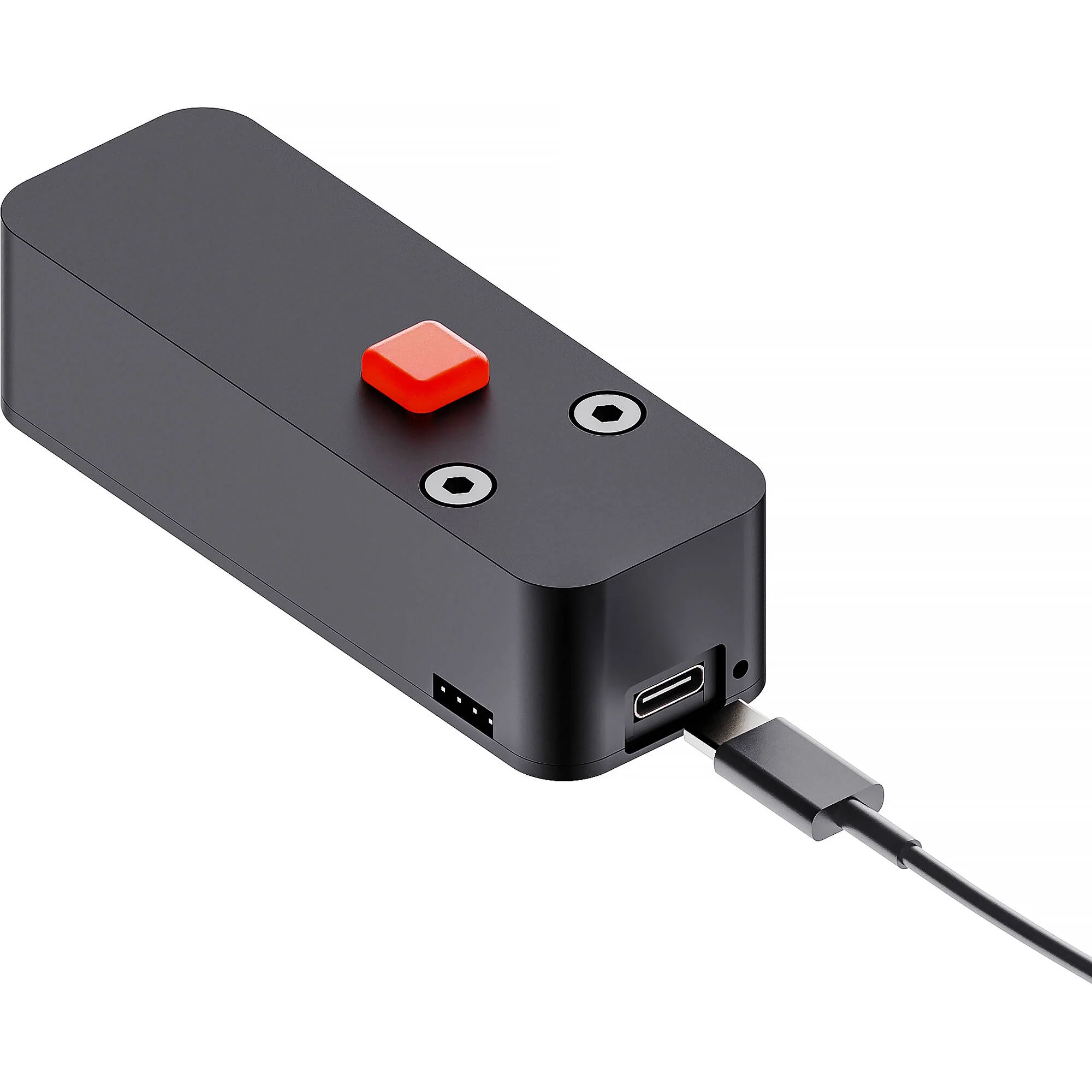
Using the Middle Control software, you can control up to eight DJI gimbals remotely from a single laptop using the Middle Remote or a USB gaming controller as if it were a PTZ camera. Visit the APC-R Mini compatibility page to check if your gimbal is supported.
If you also have an ATEM switcher, you can connect our Middle Control desktop software to the ATEM to control more advanced camera settings such as luma, gamma, lift, contrast, saturation, and sharpening.
- Adjust network settings, set custom IP addresses, and configure the Wi-Fi SSID and password when using it as a wireless controller.
- Update your APC-R Mini with the latest firmware.
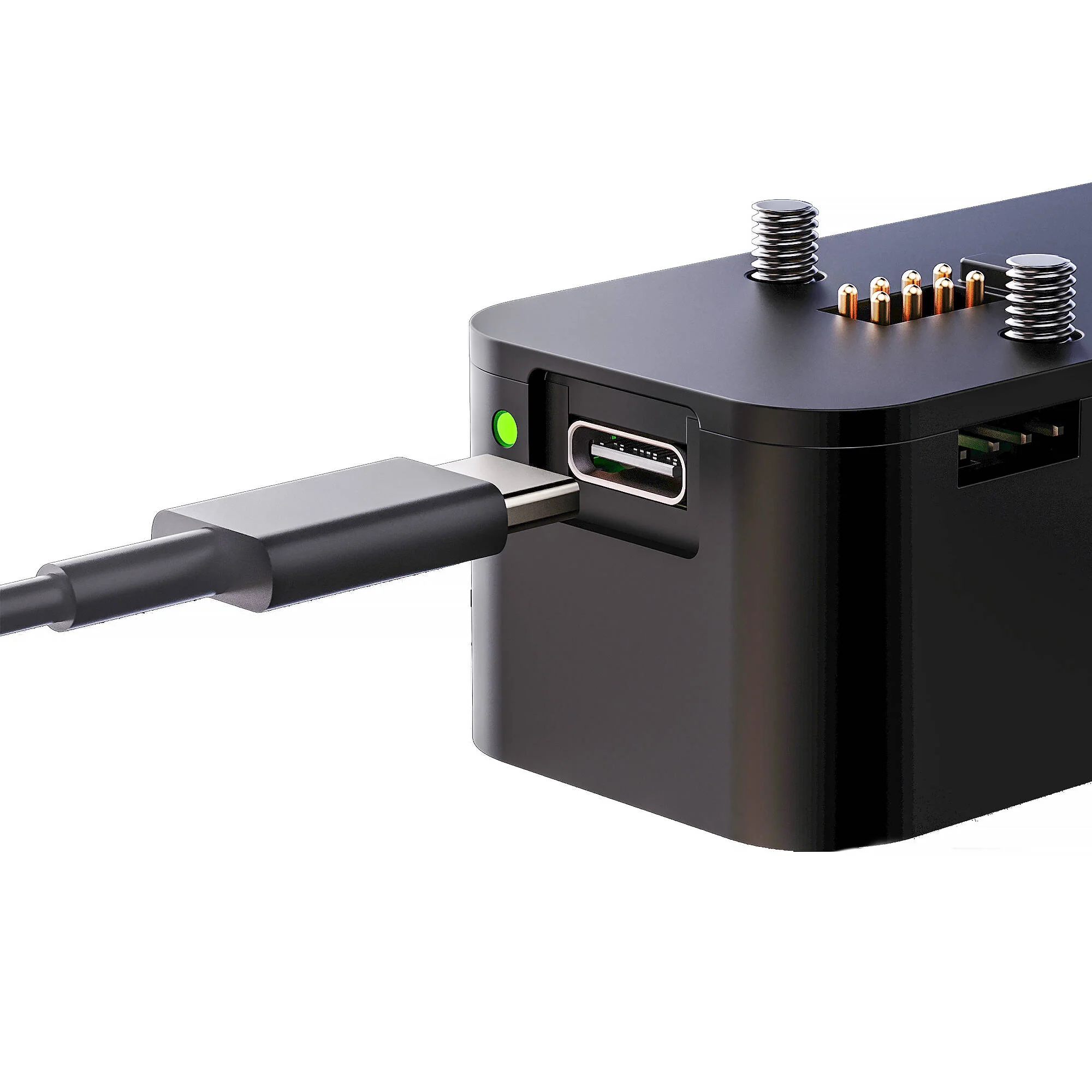
- Power your APC-R Mini when using it as a wireless camera controller without a gimbal.
Toggle DJI Active Track on and off by mapping any joystick button or by using Bitfocus Companion through the APC-R Mini over the network.
This can be paired with a video transmission system for a fully wireless remote-controlled camera setup for mobile camera operators.
- DJI RS2
- DJI RS3 Pro
- DJI RS4
- DJI RS4 Pro
NOTE: The DJI RSC2, RS3 Mini, and RS3 can never be supported, since they have no RSA connection port.
- Save and Recall position presets
- DJI Focus Motor Control
- DJI Active Track with DJI RavenEye system
The other gimbals can still be controlled using the S-BUS port on the APC-R using the same cable, but you will not have access to these two features, which are only supported through CanBUS.
The APC-R Mini is compatible with the majority of Blackmagic Design ATEM switchers, including:
- ATEM Mini / Mini Pro / Extreme (and ISO)
- ATEM SDI / Pro ISO / Extreme ISO
- ATEM Television Studio HD
- ATEM Television Studio HD8 / 4K8
- ATEM Television Studio Pro HD
- ATEM Television Studio Pro 4K
- ATEM Production Studio 4K
- ATEM 1M/E & 2M/E Production Studio 4K
- ATEM 4M/E Broadcast Studio 4K
- ATEM Constellation HD / 4K / 8K
- iris
- rec start/stop
- shutter
- gain (ISO)
- white balance
- zoom (with compatible lenses)
- focus (with compatible lenses)
- pan/tilt (with compatible gimbals)
- contrast
- saturation
- hue
- lift
- gamma
- gain
- detail sharpening
- false colors
- status overlay
- autofocus
Middle Control software should work with any USB gamepad controller, but the following USB joysticks have been tested and confirmed compatibility:
- Turtle Beach Velocity One
- Thrustmaster TCA Sidestick Airbus Edition
- Thrustmaster TCA Quadrant Airbus Edition
- Thrustmaster T.Flight Hotas X
- Thrustmaster USB Joystick
- Microsoft Xbox One Wireless Controller V2
- Logitech Extreme 3D Pro
- Logitech Gamepad F310S
- THE G-LAB K-PAD THORIUM
You can also utilize ATEM Advanced Panel 1M/E, 2M/E, or 4M/E.
You can connect up to four simultaneous joysticks to the panel if you need to expand your axis/button options. But you can only control one camera at a given time (the one with its number selected in Middle Control).
- iOS: Middle Setup software for iOS is required to pair APC-R Mini with your Blackmagic camera
- macOS: Middle Control
- Windows 10/11: Middle Control software is available for download, but it is no longer supported
Items Included
- Middle Things APC-R Mini Gimbal Controller
- Limited 1-Year Manufacturer Warranty
Additional Resources
No additional resources available
Middle Things MID-APC-R MINI Specs
| Compatibility |
DJI Ronin Series Gimbals
|
| USB I/O |
1 x USB-C (Power Only) Female Input
|
| Other I/O |
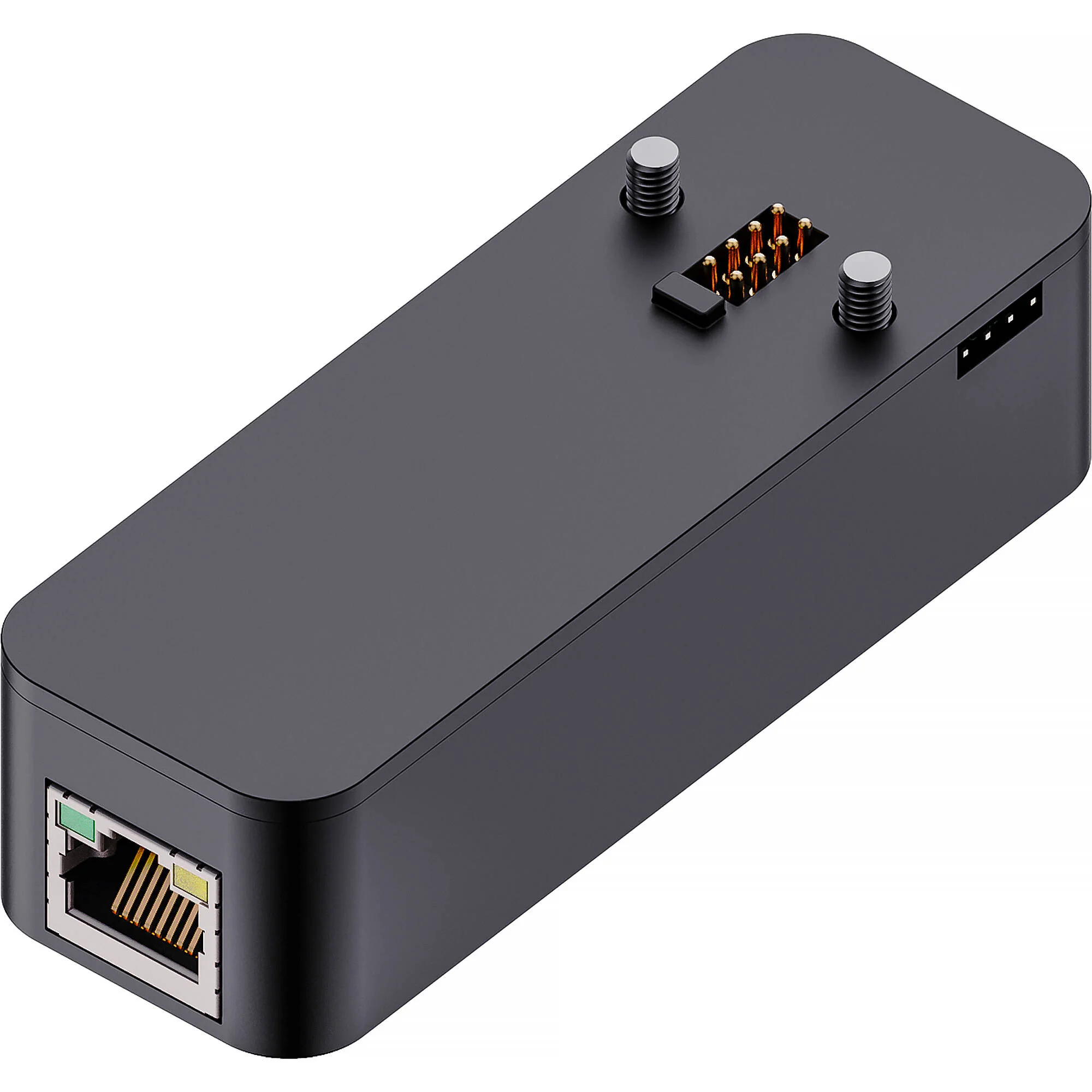
1 x RJ45 Ethernet
|
| Wireless |
Wi-Fi
*Built-In Bluetooth *Built-In |
| Mobile App Compatible |
Yes: iOS Only
App Name: Middle Setup Functionality: Setup |
| Power Source |
USB
|
| DC Input Power |
5 VDC
|
| Power Consumption |
1 W
|
| Mounting |
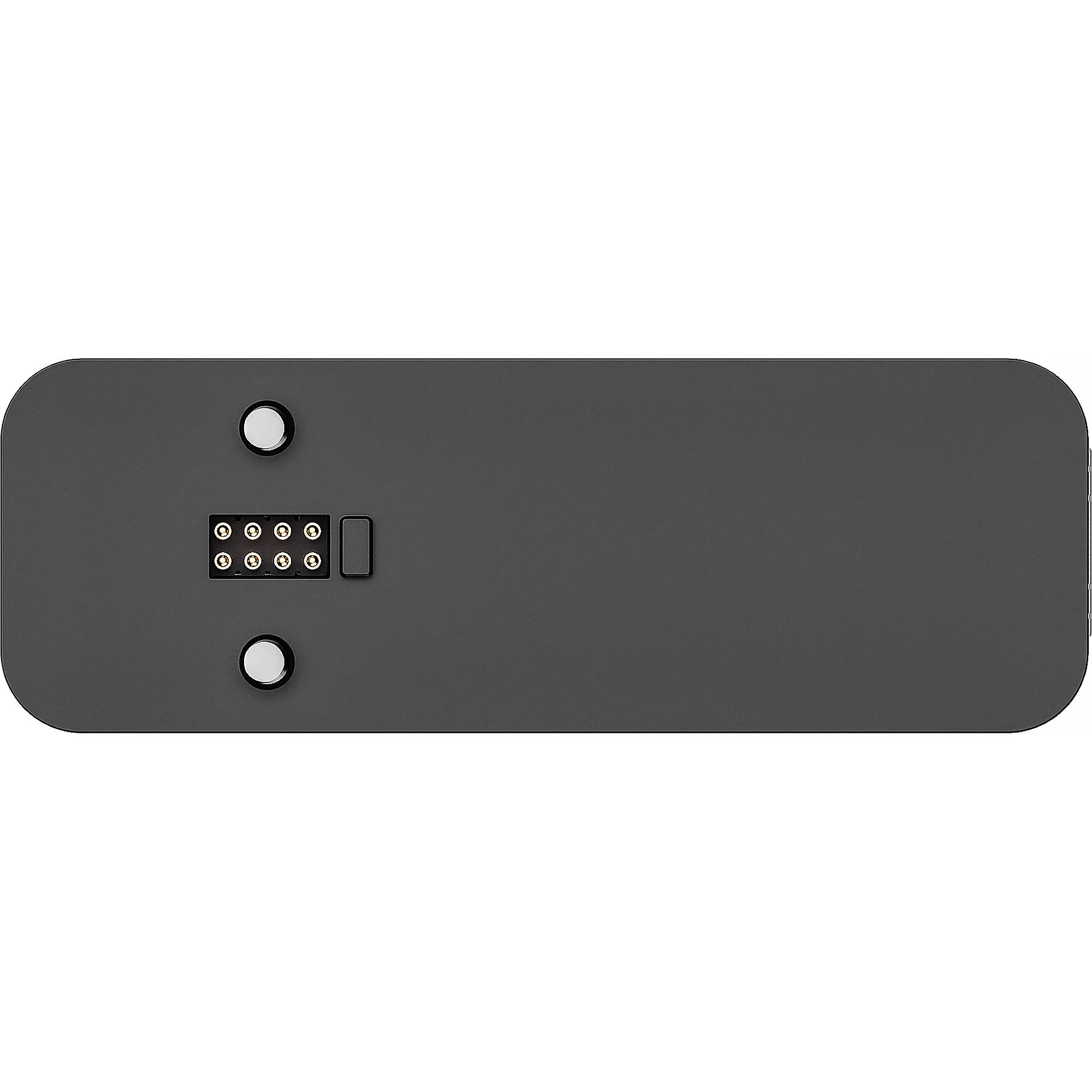
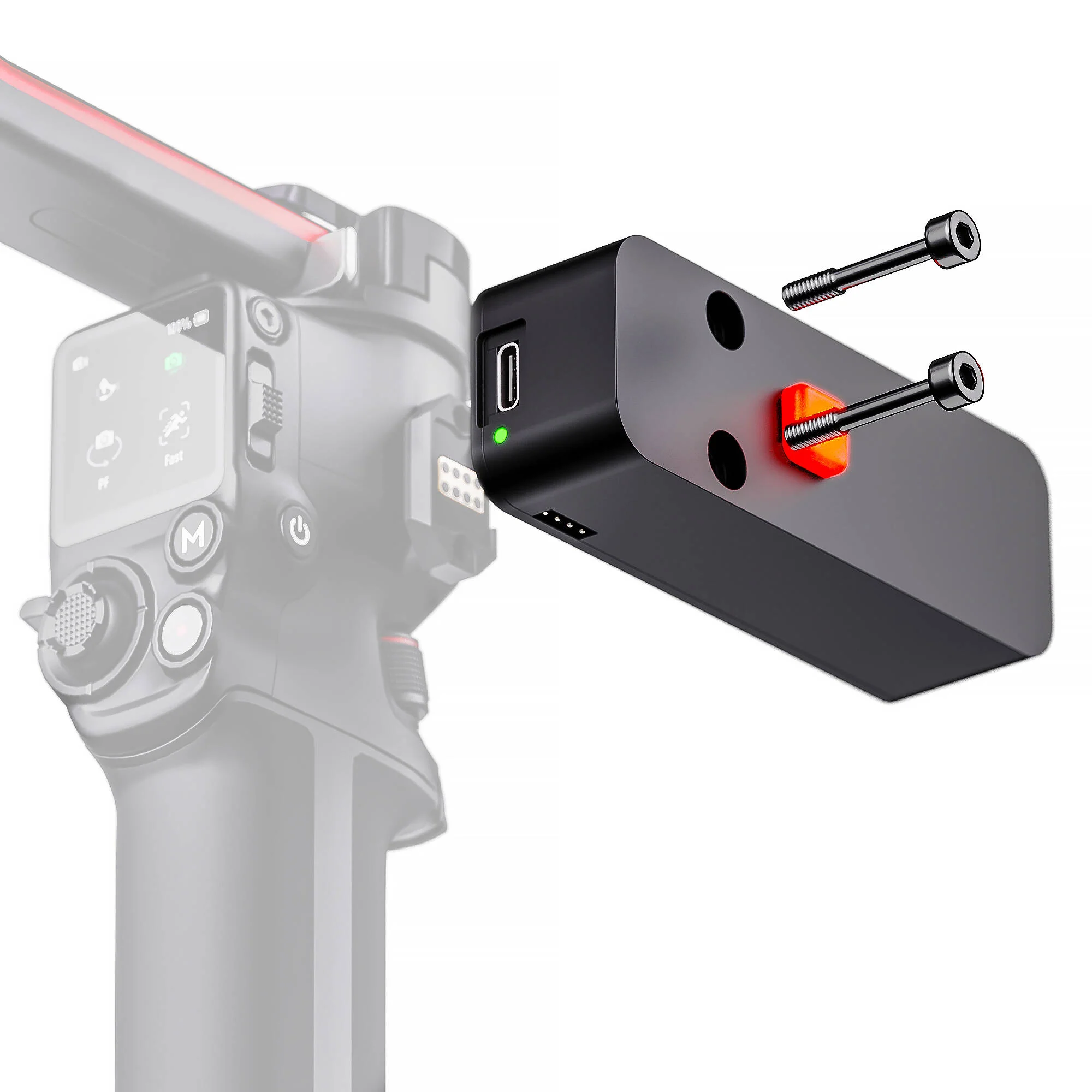
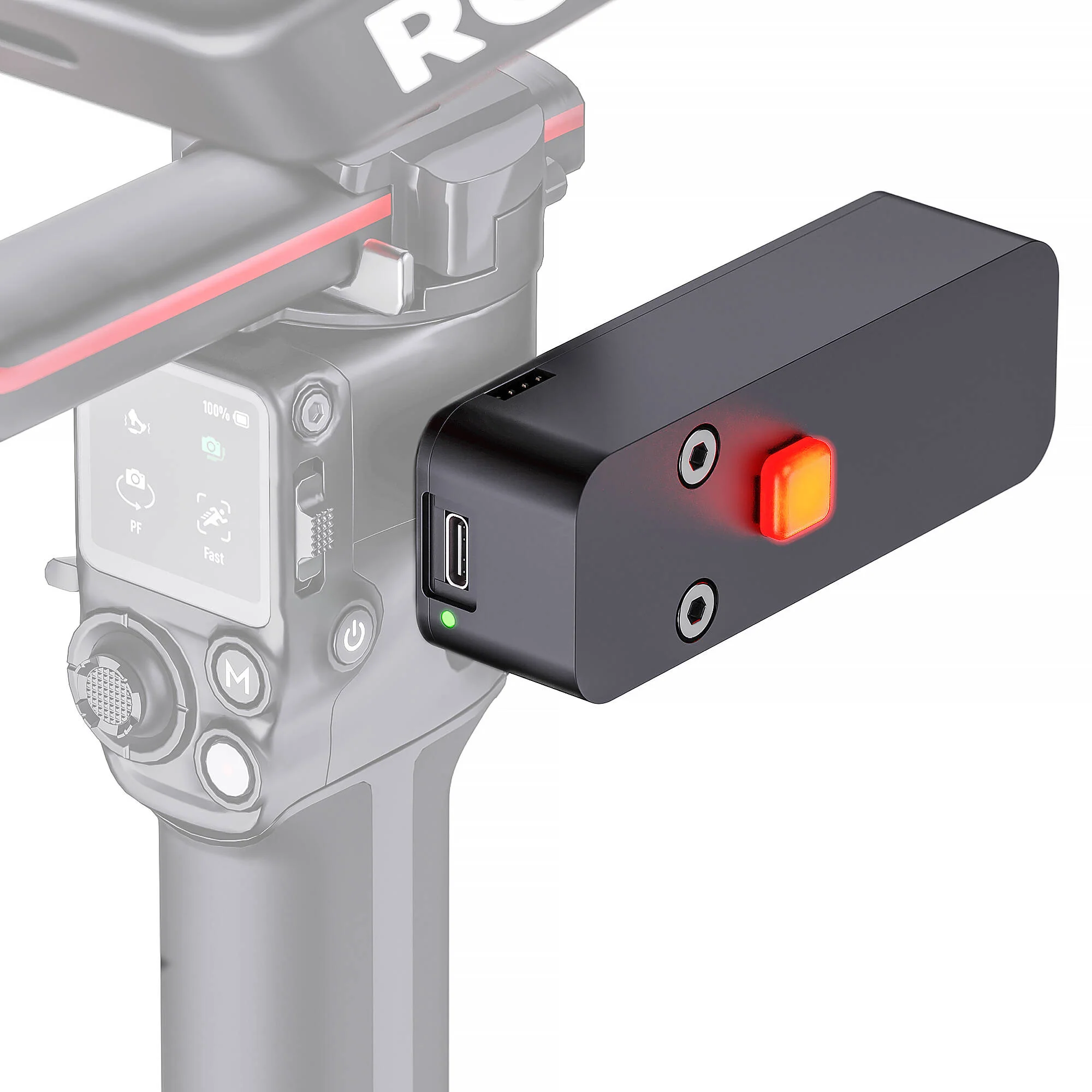
1x DJI RSA Connector
2x Captive Screws |
| Color |
Black
|
| Dimensions |
3.7 x 1.3 x 0.9" / 9.5 x 3.2 x 2.4 cm
|
| Weight |
1.9 oz / 54 g
|
| Package Weight |
0.135 lb
|
| Box Dimensions (LxWxH) |
4.5 x 1.75 x 1.65"
|
All product and company names are trademarks™ or registered® trademarks of their respective holders. Use of them does not imply any affiliation with or endorsement by them.
Details & Craftsmanship
Every detail has been carefully considered to bring you the perfect product.
Details & Craftsmanship
Every detail has been carefully considered to bring you the perfect product.
Details & Craftsmanship
Every detail has been carefully considered to bring you the perfect product.
Details & Craftsmanship
Every detail has been carefully considered to bring you the perfect product.
Details & Craftsmanship
Every detail has been carefully considered to bring you the perfect product.
Description
Middle Things MID-APC-R MINI Overview
- USB gaming joysticks
- Middle Remote
- BitFocus Companion
- TCP Access with the SDK/API
Using the Middle Control software, you can control up to eight DJI gimbals remotely from a single laptop using the Middle Remote or a USB gaming controller as if it were a PTZ camera. Visit the APC-R Mini compatibility page to check if your gimbal is supported.
If you also have an ATEM switcher, you can connect our Middle Control desktop software to the ATEM to control more advanced camera settings such as luma, gamma, lift, contrast, saturation, and sharpening.
- Adjust network settings, set custom IP addresses, and configure the Wi-Fi SSID and password when using it as a wireless controller.
- Update your APC-R Mini with the latest firmware.
- Power your APC-R Mini when using it as a wireless camera controller without a gimbal.
Toggle DJI Active Track on and off by mapping any joystick button or by using Bitfocus Companion through the APC-R Mini over the network.
This can be paired with a video transmission system for a fully wireless remote-controlled camera setup for mobile camera operators.
- DJI RS2
- DJI RS3 Pro
- DJI RS4
- DJI RS4 Pro
NOTE: The DJI RSC2, RS3 Mini, and RS3 can never be supported, since they have no RSA connection port.
- Save and Recall position presets
- DJI Focus Motor Control
- DJI Active Track with DJI RavenEye system
The other gimbals can still be controlled using the S-BUS port on the APC-R using the same cable, but you will not have access to these two features, which are only supported through CanBUS.
The APC-R Mini is compatible with the majority of Blackmagic Design ATEM switchers, including:
- ATEM Mini / Mini Pro / Extreme (and ISO)
- ATEM SDI / Pro ISO / Extreme ISO
- ATEM Television Studio HD
- ATEM Television Studio HD8 / 4K8
- ATEM Television Studio Pro HD
- ATEM Television Studio Pro 4K
- ATEM Production Studio 4K
- ATEM 1M/E & 2M/E Production Studio 4K
- ATEM 4M/E Broadcast Studio 4K
- ATEM Constellation HD / 4K / 8K
- iris
- rec start/stop
- shutter
- gain (ISO)
- white balance
- zoom (with compatible lenses)
- focus (with compatible lenses)
- pan/tilt (with compatible gimbals)
- contrast
- saturation
- hue
- lift
- gamma
- gain
- detail sharpening
- false colors
- status overlay
- autofocus
Middle Control software should work with any USB gamepad controller, but the following USB joysticks have been tested and confirmed compatibility:
- Turtle Beach Velocity One
- Thrustmaster TCA Sidestick Airbus Edition
- Thrustmaster TCA Quadrant Airbus Edition
- Thrustmaster T.Flight Hotas X
- Thrustmaster USB Joystick
- Microsoft Xbox One Wireless Controller V2
- Logitech Extreme 3D Pro
- Logitech Gamepad F310S
- THE G-LAB K-PAD THORIUM
You can also utilize ATEM Advanced Panel 1M/E, 2M/E, or 4M/E.
You can connect up to four simultaneous joysticks to the panel if you need to expand your axis/button options. But you can only control one camera at a given time (the one with its number selected in Middle Control).
- iOS: Middle Setup software for iOS is required to pair APC-R Mini with your Blackmagic camera
- macOS: Middle Control
- Windows 10/11: Middle Control software is available for download, but it is no longer supported
Items Included
- Middle Things APC-R Mini Gimbal Controller
- Limited 1-Year Manufacturer Warranty
Additional Resources
No additional resources available
Middle Things MID-APC-R MINI Specs
| Compatibility |
DJI Ronin Series Gimbals
|
| USB I/O |
1 x USB-C (Power Only) Female Input
|
| Other I/O |
1 x RJ45 Ethernet
|
| Wireless |
Wi-Fi
*Built-In Bluetooth *Built-In |
| Mobile App Compatible |
Yes: iOS Only
App Name: Middle Setup Functionality: Setup |
| Power Source |
USB
|
| DC Input Power |
5 VDC
|
| Power Consumption |
1 W
|
| Mounting |
1x DJI RSA Connector
2x Captive Screws |
| Color |
Black
|
| Dimensions |
3.7 x 1.3 x 0.9" / 9.5 x 3.2 x 2.4 cm
|
| Weight |
1.9 oz / 54 g
|
| Package Weight |
0.135 lb
|
| Box Dimensions (LxWxH) |
4.5 x 1.75 x 1.65"
|
All product and company names are trademarks™ or registered® trademarks of their respective holders. Use of them does not imply any affiliation with or endorsement by them.